Guide · Business automation
Business process automation, explained without the jargon.
Automation means letting software do the steps a person repeats every day: copying data between tools, reading documents, sending the same email. This guide explains what is realistic for a small or medium business, how to tell whether a task is worth automating and how to start without a large project.
What business process automation actually means
Most administrative work is a chain of small steps: open an email, download the attachment, type the numbers into the accounting tool, notify a colleague. Automation replaces the steps that follow fixed rules with software that runs them for you, and leaves the decisions to people.
Three approaches cover most cases. Integrations connect tools that already have an API, so data moves between them automatically. Robotic process automation, or RPA, works through the user interface, driving applications the way a person would, which helps with older software that has no API or integration option. AI handles the parts that need interpretation, such as reading an invoice in an unknown layout or classifying a request.
Define which steps the software can handle and which exceptions need a person to review them.
If the workflow depends on a shared spreadsheet, consider automating Excel or moving to an internal tool.
Tasks that are usually worth automating
- Copying order, booking or customer data from one tool into another.
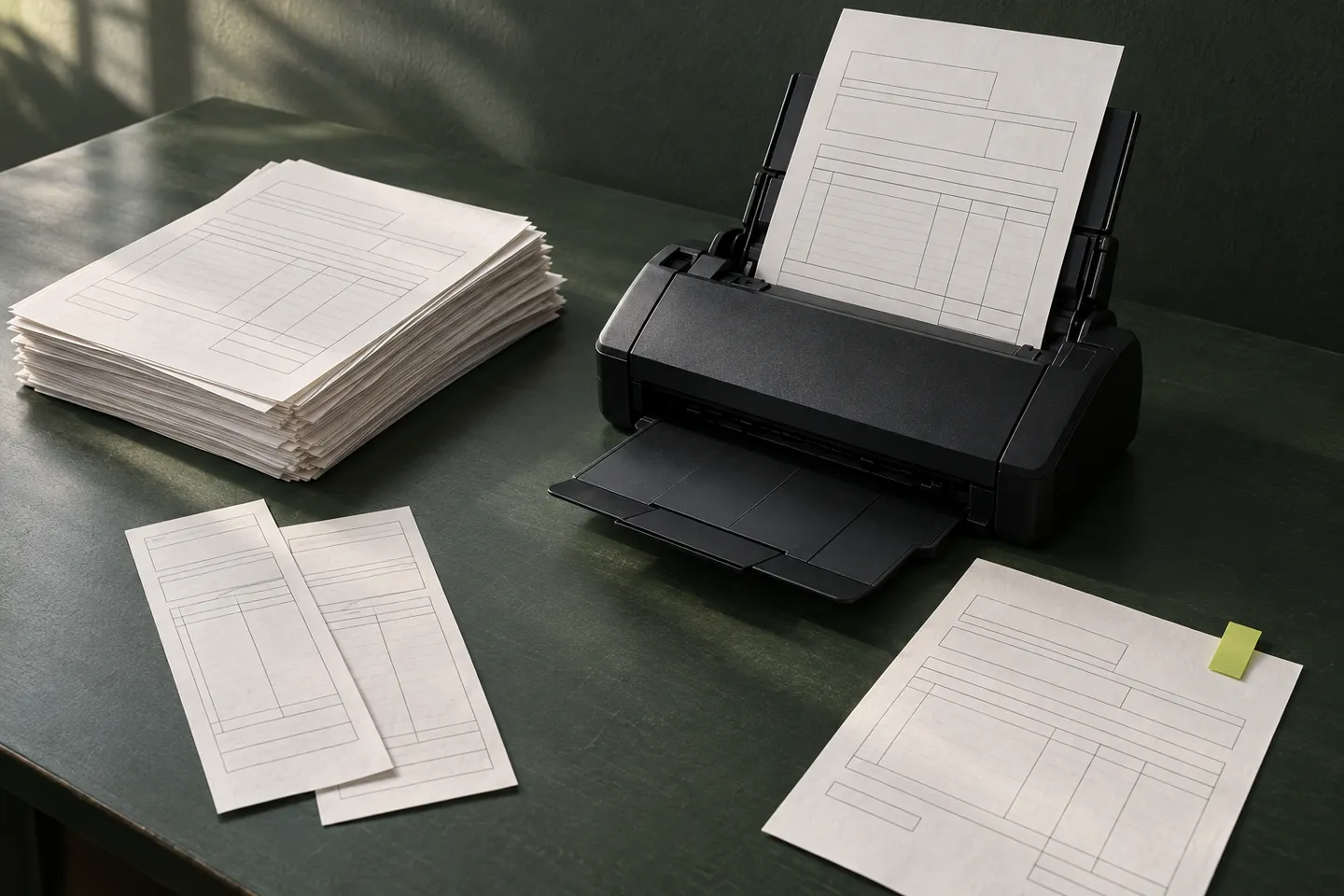
- Reading invoices, forms or delivery notes and preparing them for accounting.
- Sending confirmations, reminders and status updates at the right moment.
- Collecting requests from email, forms and chat into one list with a responsible person.
- Producing the same weekly or monthly report from several sources.
These tasks happen frequently, usually follow defined rules and involve repeated data handling.
How to tell whether it pays off
Start with the time spent today. Count how many times each person does the task in a year, multiply by the minutes per task and add the results. Twenty minutes every working day adds up to eighty hours a year for one person, assuming 240 working days. Estimate the cost of avoidable mistakes separately: a wrong figure in an invoice, a booking nobody confirmed.
Hours saved are not automatically money saved. Estimate how much time you would actually recover and what it is worth to the business. Add the cost of errors avoided, then compare the total with the build cost and a year of maintenance and output review. This gives you an estimate of whether the work pays for itself in the first year. If the task changes every week or happens twice a year, maintenance may cost more than the time you get back.
Starting small keeps the estimate honest. Automate one task, measure the time it gives back and decide the next one with real numbers.
When automation is the wrong answer
- The process is not defined yet: people do it differently each time.
- The task needs judgement at every step and there is no way to review the result.
- The tools involved change constantly or forbid automated access.
- The saving is small and the process is already easy.
In those cases, simplifying the process first, or changing the tool, usually helps more than automating it.
If the process involves interpreting text, see when an AI agent makes sense.
How to start
Pick one task that annoys the people who do it. Write down the steps as they happen today, including the exceptions. Gather a few real examples with the sensitive data removed. That is enough for a developer to propose a first automated version.
A basic demo with sample data shows whether the approach works before any tool is connected to real accounts. The full implementation then adds the connections, error handling, a review step where needed and a way to see what the automation did.
Before building the full process, compare a demo, a prototype and an MVP.
Sources and further reading
Questions before we start
Does automation need artificial intelligence?
Only for the parts that need interpretation. Many tasks work well with rules and integrations. AI helps with documents, free text and classification, and always with a way to review its output.
Can automation work with the tools we already use?
Often, yes. Many modern tools offer an API or another integration option. If there is no integration, RPA may be able to operate the user interface. The first check is which tools are involved and what access they allow.
How long does a first automation take?
It depends on the task and the tools. A demo with sample data comes first, and an estimated timeframe for the full implementation is agreed after that, in writing.
What happens when something goes wrong?
A good automation flags errors instead of hiding them: the record is held, a person is notified and the step can be repeated. Deciding how exceptions are handled is part of the build.