Guide · App development cost
What makes an app expensive, and what a demo tells you first.
An app’s cost depends on its features, integrations, data and reliability requirements. Screen count alone is a poor estimate. This guide explains the main cost factors, how to define an affordable first version and what a basic demo can help you decide.
Why the number of screens is the wrong measure
When people ask what an app costs, they usually count screens: a login, a list, a detail page, a settings page. Screens are the visible part, but simple forms and lists are rarely the main cost. AI-assisted development can speed up that routine work. Complex interactions and careful design still take time, so a screen count alone tells you little about the effort involved.
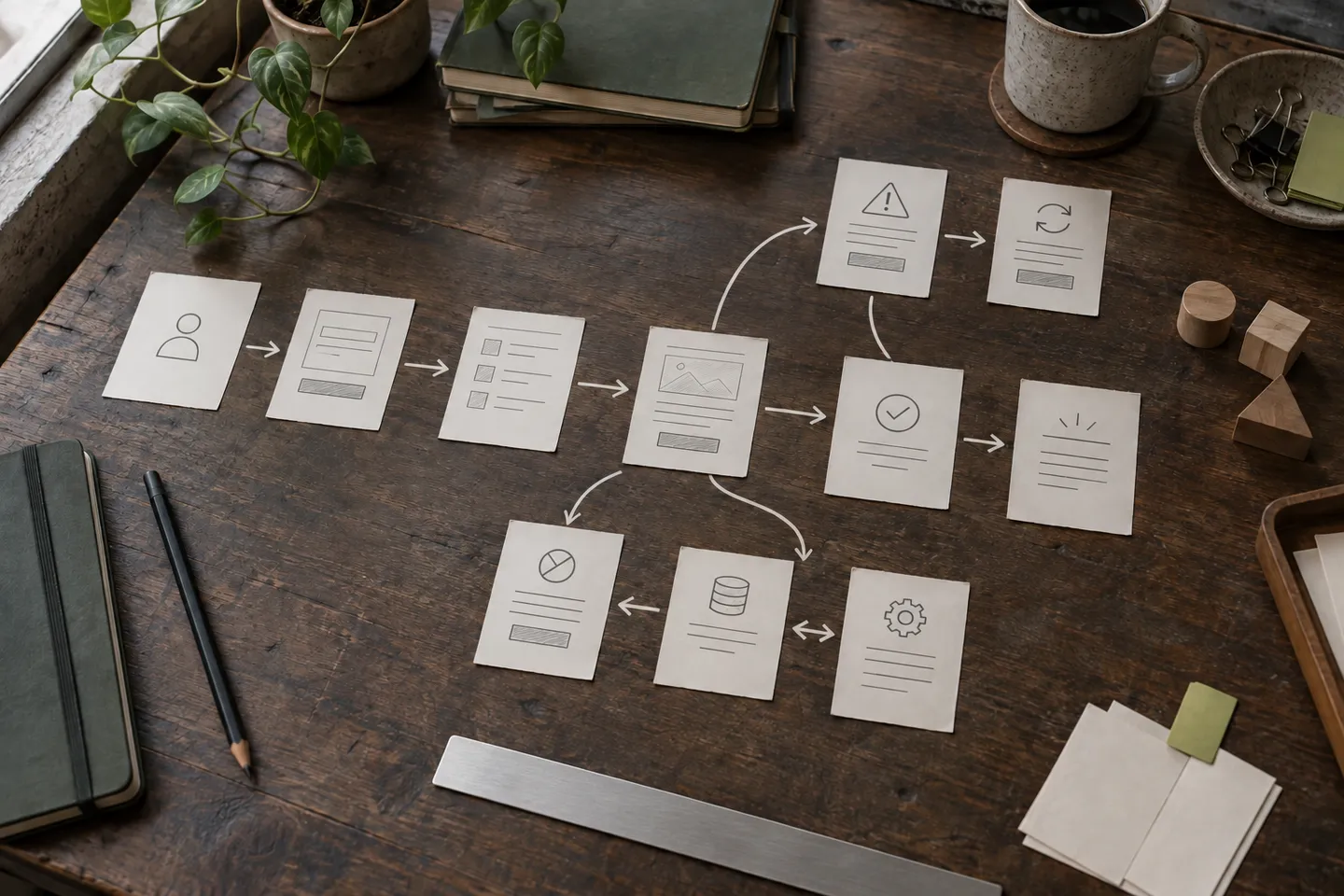
What takes time is everything behind the screens: where the data comes from, who is allowed to see it, what happens when a payment fails or two people change the same record at once. Two apps with the same ten screens can differ several times over in cost, because one reads sample data and the other talks to your accounting system, handles roles and takes money.
So when you compare quotes, compare what sits behind the screens, not how many there are.
What actually drives the cost of an app
Five things move a quote more than anything else. Integrations with other systems, because every external tool has its own interface, limits and ways of failing, and each connection has to be tested against real behaviour. User accounts and roles, because once different people see different things, every feature has to respect permissions. Payments and compliance, because taking money means refunds, receipts, disputes and the rules of your sector. Data migration, because moving years of spreadsheets or an old database into a new structure means cleaning up what was never consistent. And changes of scope, because a feature added halfway through often touches what was already built.
Business rules sit in between: easy to describe, but every exception you handle by hand today has to be written down and tested.
Security is part of the scope too: review which secrets belong on the server rather than in an app.
How to reduce the cost of an app
Most of the saving comes from deciding what the first version does not do. These choices cut cost without cutting quality:
Ask for two scopes: the smallest usable version and the optional additions. Both should state data preparation, integrations, hosting and maintenance. A smaller initial quote is useful only if you know which work is deferred.
- Start with one journey: the path a user takes most often, done completely, before anything else.
- Use sample data first, so the structure is right before real accounts and systems are connected.
- Reuse what you already pay for: an existing login, a payment provider, your accounting system’s export, instead of rebuilding them.
- Decide what stays manual: an exception that happens twice a month can be handled by a person, not by code.
- Write the scope down before work starts, so additions are visible decisions rather than surprises.
None of this makes the product smaller for good. It makes the first version something you can pay for, use and extend.
Before paying for a mobile platform, compare an app, a PWA and a website.
What a free basic demo tells you before you spend
A basic demo is one working piece of the idea: one screen, one page or one automated step, with sample data, no accounts and no connection to your systems. On suitable projects I build it for free with an agreed scope, using AI agents for speed and reviewing the result myself.
A demo lets you check whether the developer understood the task and whether the proposed interaction makes sense on a phone or in a browser. Trying it can help identify missing details, reconsider optional features and see how you work together before commissioning the full product.
- 01 Free basic demo One piece, sample data, no accounts. Agreed scope, no obligation.
- 02 First version or MVP Core journey, complete: accounts, stored data, errors handled. Paid, quoted in writing.
- 03 Full build Integrations, roles, payments, production and handover. Quoted in writing.
To choose what to validate before investing, compare a demo, a prototype and an MVP.
When can a developer give you a quote?
A useful quote needs a defined scope: user tasks, accounts, integrations, platforms and exclusions. Before those are clear, a price can only be an estimate. I discuss the requirements first and, when useful, prepare a basic demo to clarify the scope.
Once the scope is clear, you get the features, an estimated timeframe and the price in writing. Each project is quoted on its own, because there are no fixed packages that fit an app that talks to your systems. If the scope changes later, the change is agreed in writing as well, so the price moves for reasons you can see.
Questions before we start
Why can’t you give a price straight away?
Because the price depends on integrations, accounts, payments and data, not just the number of screens. We can clarify those details by message or in a call. You then get a written scope and quote, so you know what is included.
Does a demo commit me to anything?
No. The basic demo is free once we agree a scope that fits, and there is no obligation to continue. Using it in your business would need the paid implementation, because it runs on sample data without accounts.
Is a mobile app more expensive than a web app?
Often yes, when it has to be published in the app stores and work on two platforms. For many businesses a web app that installs on the phone is enough and costs less; we decide that in the first conversation.
What changes the price after the quote?
Changes of scope: a new integration, a new type of user, a feature that was not in the written scope. Each one is agreed in writing before it is built, so the price does not move without your decision.
Can I commission a cheap app without rebuilding it later?
You can keep the first scope small, but agree how data is stored, exported and maintained. Validate the difficult integration or offline requirement early. A disposable demo and a maintainable first release serve different purposes.